
MS Project 2024 Project Professional 2024: Revolutionize Your Project Management
In today’s fast-paced business environment, efficient project management is crucial for success. Whether you’re a solopreneur, a team leader, or a part of a large corporation, MS Project 2024 empowers you to plan, track, and execute projects with precision and ease. This latest version of Microsoft’s powerful project management tool is packed with innovative features and enhancements designed to streamline your workflows, boost collaboration, and optimize productivity.

Key Features of MS Project 2024 Project Professional 2024:
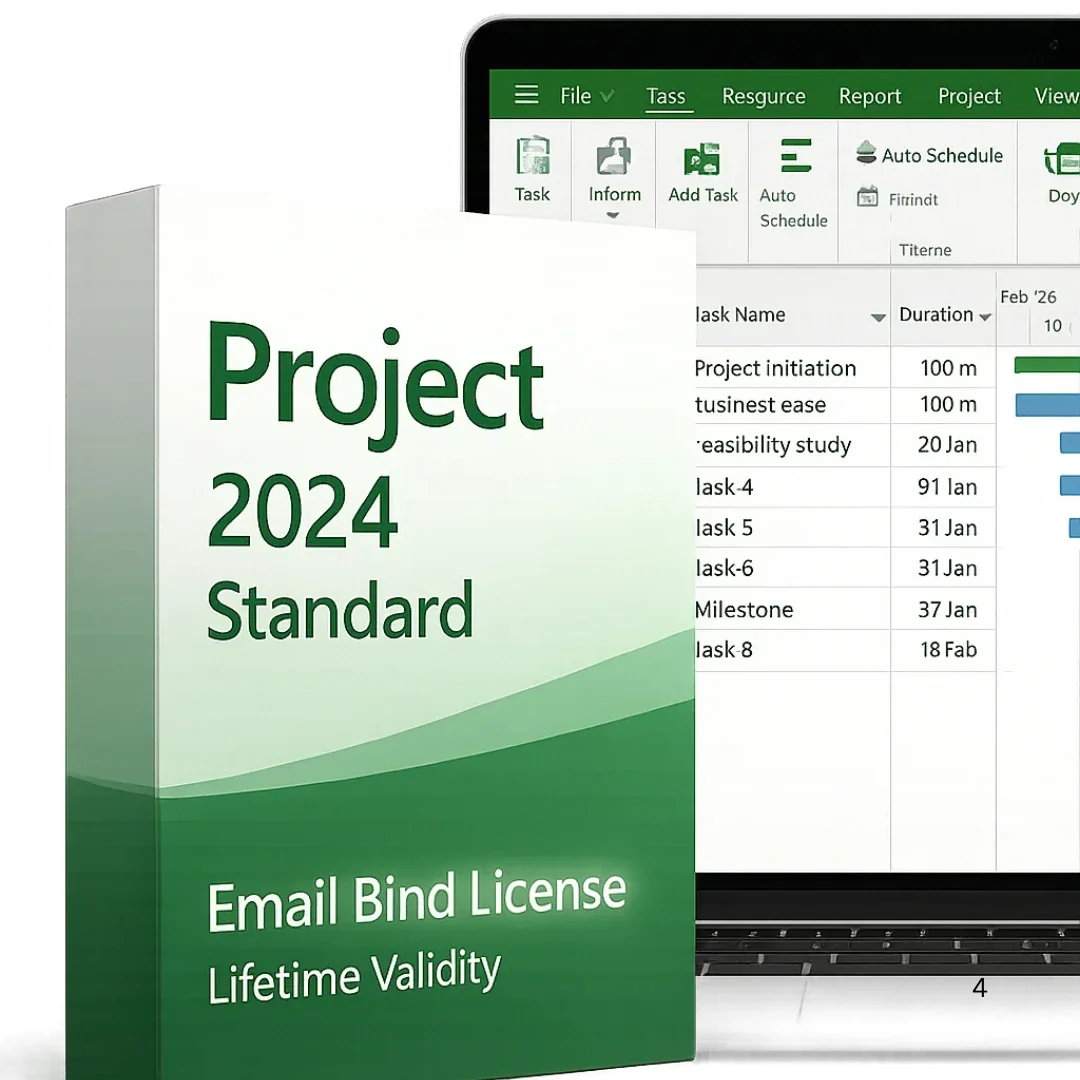
- Advanced Task Management: Organize tasks effectively with customizable views, Gantt charts, and task dependencies. Then, create clear project timelines, set milestones, and track progress at every stage.
- Real-Time Collaboration: Collaborate seamlessly with your team in real-time. Furthermore, with seamless integration into Microsoft Teams, Project Professional 2024 enables instant communication, file sharing, and feedback.
- AI-Powered Insights and Analytics: Leverage artificial intelligence to predict project outcomes and make data-driven decisions. Furthermore, Project Professional 2024’s predictive analytics and insights help you stay ahead of potential risks, ensuring your projects stay on track.
- Resource Management: Optimize resource allocation and manage your team’s workload effectively. Consequently, assign tasks based on availability and skill set, ensuring your project runs smoothly without overburdening team members.
- Comprehensive Reporting: Generate customizable reports with a few clicks. Whether you need financial tracking, resource allocation summaries, or progress updates, Project Professional 2024’s advanced reporting tools provide valuable insights.
- Microsoft 365 Integration: Enhance productivity with seamless integration across Microsoft tools. Sync your calendar with Outlook, track deliverables through OneDrive, and use Excel for deeper data analysis, all within the same platform.
- Cloud Syncing & Sharing: With cloud integration, your projects are always up-to-date and accessible from anywhere. Share project plans and collaborate with your team in real-time, even from remote locations.
- Security and Compliance: With built-in security features, Project Professional ensures your project data is protected. It also complies with industry standards, making it an ideal solution for businesses requiring high levels of security.
How MS Project 2024 Benefits Your Business:
- Increased Productivity: Streamlined workflows and intuitive tools eliminate time-consuming manual processes, empowering your team to deliver high-quality projects faster and more efficiently.
- Better Project Visibility: Visual project tracking capabilities, such as Gantt charts and task boards, provide clear, real-time insights into your project’s status. This transparency helps you quickly identify and address potential bottlenecks.
- Effective Resource Management: Maximize the potential of your workforce by balancing workloads and ensuring resources are allocated effectively. This helps avoid burnout and ensures projects are completed within budget and on time.
- Risk Mitigation: Predictive analytics help you spot potential issues before they escalate. Project Professional 2024 provides proactive solutions to mitigate risks and ensure smoother project execution.
Who Should Use Project Professional 2024?
MS Project 2024 is ideal for anyone who needs to manage and oversee projects of any size. Key users include:
- Project Managers
- Team Leaders
- Business Owners and Executives
- Freelancers & Consultants
OS Requirements:
OS Requirements: – Windows 11, Windows 10.
This key does not work on MAC OS.
Activation method: Telephone Activation ( Hardware bind license )
System Requirements for Microsoft Project 2024
To ensure smooth performance, Microsoft Project 2024 requires specific system configurations. Below are the key system requirements:
| OPERATING SYSTEM: Windows 11, Windows 10, or Windows Server 2019. |
| PROCESSOR: 1.6 GHz or faster, 2-core processor. |
| RAM: 4 GB RAM minimum; 8 GB recommended. |
| HARD DISK SPACE: 4 GB of available disk space. |
| DISPLAY : 1280 x 768 screen resolution or higher. |
| GRAPHIC : Hardware graphics acceleration requires Direct X 12 or later. |
| MICROSOFT ACCOUNT: Required for activation and updates. |
| INTERNET CONNECTION: Required for software updates and online features |